Filed October 19, 2026
How to turn a biomass map into a seed population rate script
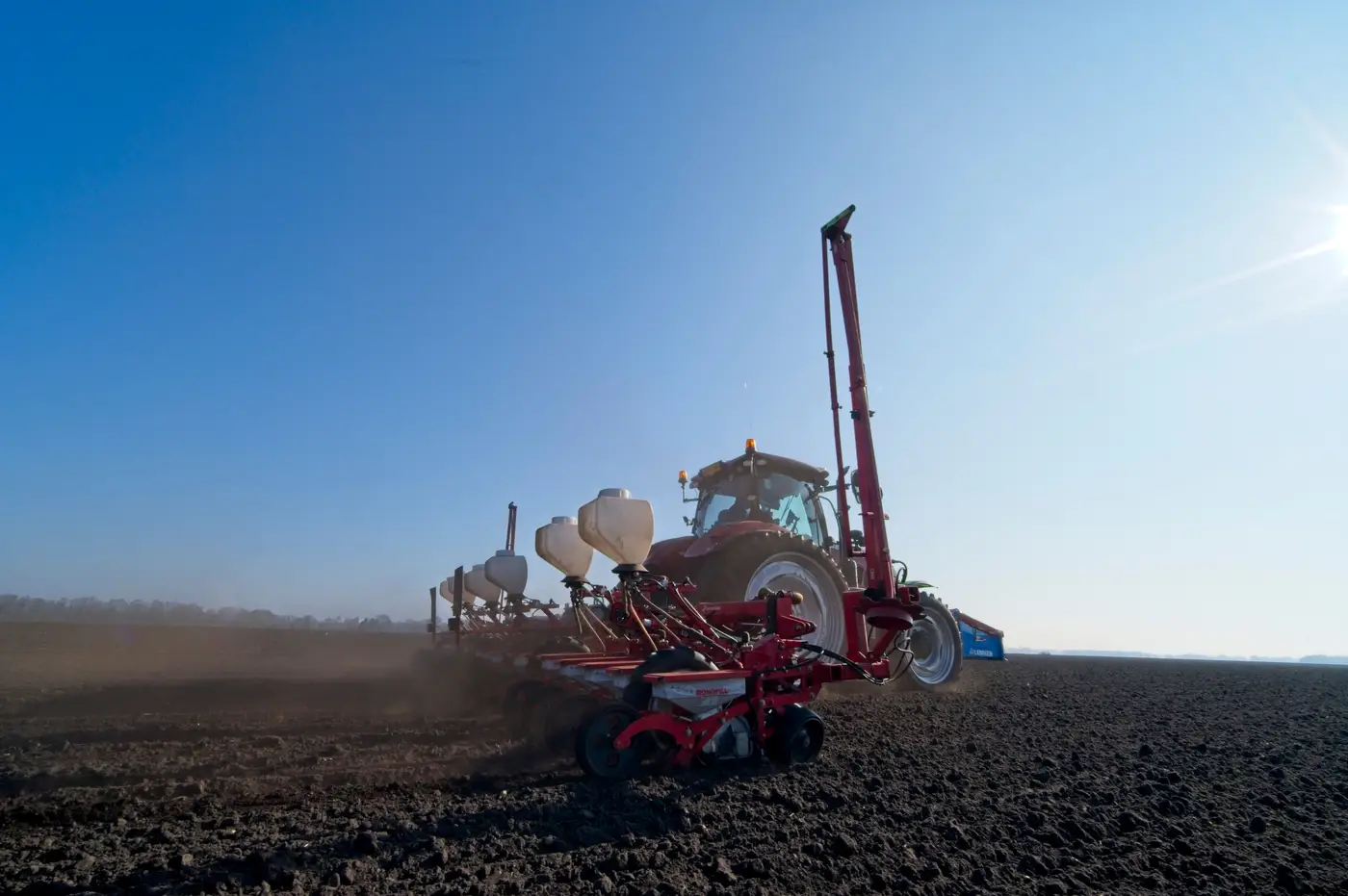
You've got a biomass layer. The grower wants a seeding script. Those two things are not the same file, and the gap between them is where most variable-rate plans fall apart before they ever hit the controller.
A biomass or vigor map tells you where the crop grew more canopy and where it grew less, at the resolution your imagery pass can see. It does not tell you why, and it does not tell you what population that spot wants next season. That part is still your job. Here's the process that gets you from raster to a rate file a planter will accept.
Start with the gradient, not a single snapshot
One pass of NDVI from mid-June is a snapshot, and snapshots lie. A spot that's low-vigor in late vegetative could be a late-emerging patch that catches up by tasseling, or it could be a compaction strip that never recovers. You can't tell the difference from one image.
What you want is the gradient across several passes through the season: early canopy, mid-season peak, and a later read if you can get it. A zone that's consistently low or consistently high across three or four dates is a real zone. A zone that's low once and normal twice is probably weather, drainage timing, or a spray miss, not a soil-driven yield constraint worth building a rate around. If you're scripting off a single flyover, you're scripting off noise half the time.
Turn the raster into zones a planter can run
Raw imagery is continuous. A seed controller needs discrete zones with a rate attached to each one. That conversion has a few steps that matter more than people think:
Smooth before you zone. Pixel-level variation in a biomass raster includes sensor noise and small anomalies that have no business driving a population change. Run a moving-window smooth or aggregate to your effective resolution before you draw zone boundaries, not after.
Size zones to the planter, not the pixel. If the section control width on the planter is 60 feet, a zone narrower than that is a decoration, not an instruction. Dissolve small or sliver zones into their larger neighbors so every zone is wide enough for the machine to actually hit it.
Cap the number of zones. Three to five rate zones per field is usually plenty. More than that and you're asking a planter to chase precision it can't deliver, and you're asking yourself to defend rate differences you can't agronomically justify anyway.
Set the rates, don't just invert the map
This is the step where the imagery stops doing the work and you start. A high-vigor zone doesn't mean "plant more." On a lot of soils, a high-vigor area at V6 is already expressing its yield potential at the current population, and bumping seed there just tightens row spacing without adding bushels. A low-vigor zone might need fewer plants to ease competition for limited water-holding capacity, or more plants to compensate for stand loss. The right call depends on soil type, hybrid response, and what you know about that field from walking it, not on the color of the raster.
Build your rate table off agronomic floors and ceilings for that grower's hybrids first. Then map the zones to that table. Export as a shapefile or ISOXML with the rate attribute named the way the controller brand expects it, because a mismatched field name is still the most common reason a script gets rejected in the cab.
Check it before it runs
Load the script into the display before planting day, not during it. Confirm the rate breaks line up with the zones you meant to draw and that the controller is reading the right attribute column. A script that looks right in the office and loads wrong on the monitor is a planter running flat rate anyway, just with extra steps.
The part most retailers don't have time for is steps one and two: pulling consistent biomass and vigor passes across the season and turning that gradient into clean, planter-ready zones for every account on your book. Field Variability builds that per-zone file from in-season multispectral passes so the rate table is the only decision left for you to make.
If you're scripting more than a handful of fields this fall, it's worth seeing what that process looks like on one of your own.